Electron native and Docker Compose
Revolver has two ways to run. The current product is an Electron desktop app that starts inference as a native host process. Docker Compose is the older default: a browser UI and one container per server. Both share the same React interface and control-plane code. They differ in where that code lives and how llama-server is started.
Electron native
This is what a download from GitHub Releases is, and what revolverllm/ is set up to develop. The renderer is Vite and React. A preload script exposes IPC. The Electron main process loads server/handlers: model scan, VRAM estimates, server definitions, log parsing, and an OpenAI-compatible gateway.
The shell does not embed llama.cpp. runtimes/catalog.json ships as an extra resource (URLs, tags, sizes, SHA-256). On first use the app downloads a SKU into <dataDir>/runtimes/<id>/<tag>/.
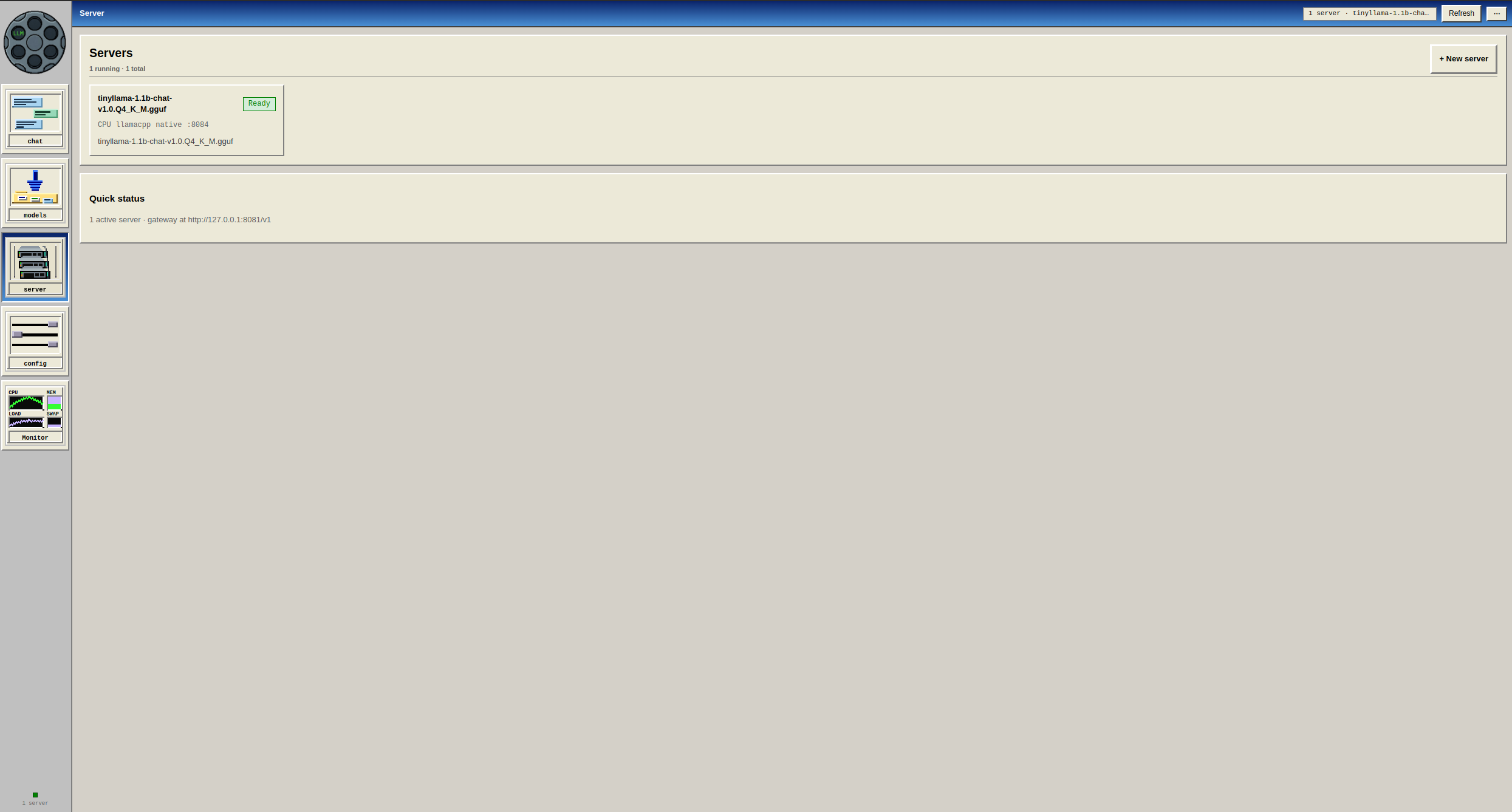
A native supervisor then starts one llama-server per server definition, bound to 127.0.0.1:<port>. GPU selection uses host CUDA_VISIBLE_DEVICES / HIP_VISIBLE_DEVICES — there is no Docker device remap. Two servers on GPU 0 and GPU 1 is the supported parallel layout. Overlapping GPUs are rejected unless force is set.
GGUF goes through llama.cpp (CUDA, Vulkan, CPU, or Metal). On macOS, safetensors and MLX quants go through MLX. vLLM still requires Docker, even from the desktop app.
Model files are host paths. There is no rewrite to /models. Electron sets REVOLVER_DOCKER=1 for some shared helpers; that does not mean the app is running in a container. Compose is detected separately with REVOLVER_COMPOSE=1.
git clone https://github.com/TownsendBrown/revolverllm.git
cd revolverllm
npm install
npm run dev:native
For a production-like run: npm run start:native. On Windows: npm run dev:windows and npm run start:windows. Packaged macOS waits for Metal llama.cpp and MLX before the rest of the UI unlocks. npm run dev (without :native) still defaults new servers to Docker unless REVOLVER_RUNTIME=native or the pack was built with pack:native.
Docker Compose
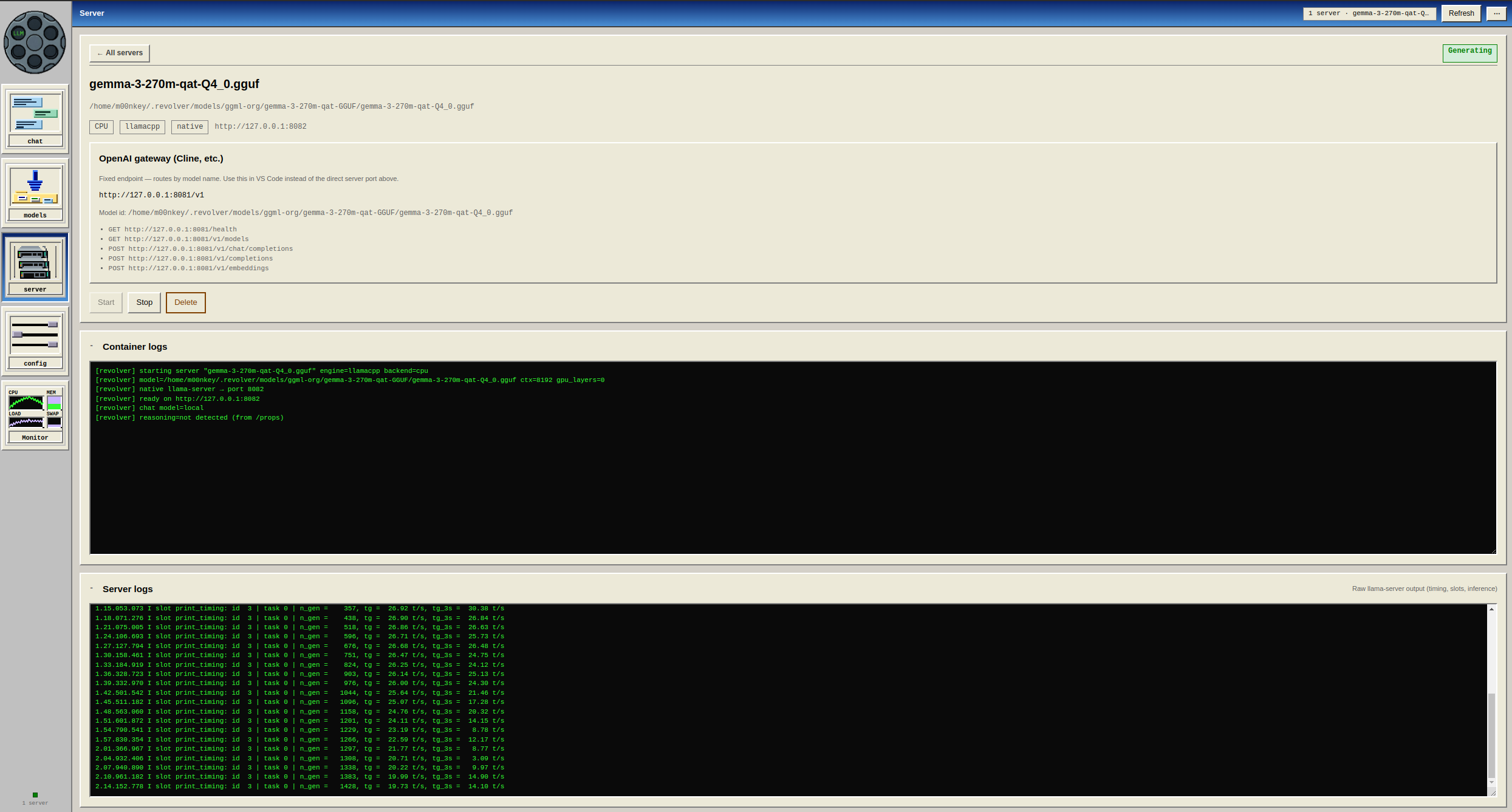
Compose is still supported if you want the UI in a browser and every llama.cpp server as a container. The Compose backend does not start a native llama-server.
The browser talks to nginx on port 8080 (the static SPA from build:web). /api/* is proxied to Express on 127.0.0.1:3001. The backend mounts docker.sock and starts one ghcr.io/ggml-org/llama.cpp:server* container per server definition.
REVOLVER_COMPOSE=1 marks the control plane as the backend container. There is no host llama-server binary in that filesystem, so inference has to go through the Docker daemon. For NVIDIA GPUs, use the docker-compose.gpu.yml overlay.
MODELS_DIR must be an absolute host path; relative paths break spawned containers. The volume appears as /models. State is stored in the revolver-data and llama-config volumes.
On macOS, Metal cannot run inside Linux containers. docker:up:mac uses a host agent: install llama.cpp with Homebrew, then the backend talks to llama.cpp on the Mac. See mac/README.md.
cp .env.example .env
# MODELS_DIR=/absolute/path/to/gguf
npm run docker:up          # CPU
npm run docker:up:gpu      # NVIDIA
# open http://localhost:8080
Where they differ
| Electron native (current) | Docker Compose | |
|---|---|---|
| UI | Electron window | Browser at port 8080 |
| Control plane | Main process | Backend container |
| New server default | REVOLVER_RUNTIME=native or pack:native |
Docker only |
| llama.cpp | Host process from a downloaded SKU | ghcr server image |
| Model paths | Host paths as-is | Rewritten under /models |
| GPU index | Host CUDA_VISIBLE_DEVICES |
Docker remaps to 0..n-1 |
| vLLM | Docker | Docker |
| Environment file | Electron does not read .env |
Compose reads .env |
Runtime catalog and scripts
Runtime archives are published on the runtimes-v* GitHub release. Set LLAMA_SERVER_BIN if you already have a binary.
| Id | Platform | Backend |
|---|---|---|
linux-cuda | Linux | CUDA 12 (sm_70–sm_90). Pascal cards should use Vulkan. |
linux-vulkan / linux-cpu | Linux | Vulkan or AVX2 CPU |
win-cuda / win-vulkan / win-cpu | Windows | Same split. The CUDA zip includes cudart. |
llamacpp | macOS | Metal, GGUF |
mlx | macOS | Safetensors and MLX quants |
npm run dev:native     # Vite + Electron, native default
npm run start:native   # production Electron, native default
npm run pack:native    # AppImage + deb → release-native/
npm run pack:windows   # NSIS → release-win/
npm run docker:up      # Compose, CPU
npm test               # unit tests, no inference
npm run test:native    # supervisor and GPU-lease mocks